👥 Suitable For
Adults • Seniors • Retirees • Housewives • Parents • Beginners • Working Adults • Anyone Who Feels Left Behind By Technology
📍 Areas Covered
Serdang • Taman Equine • Seri Kembangan • Balakong • Cheras • Kajang • Puchong • Bukit Jalil • OUG • Old Klang Road • Sunway • Subang • USJ • Petaling Jaya • Kuala Lumpur
🤔 Many People Don’t Want Advanced Computer Skills
Many students come to me and say:
💬 “I don’t want programming.”
💬 “I don’t need complicated software.”
💬 “I don’t want to become an IT expert.”
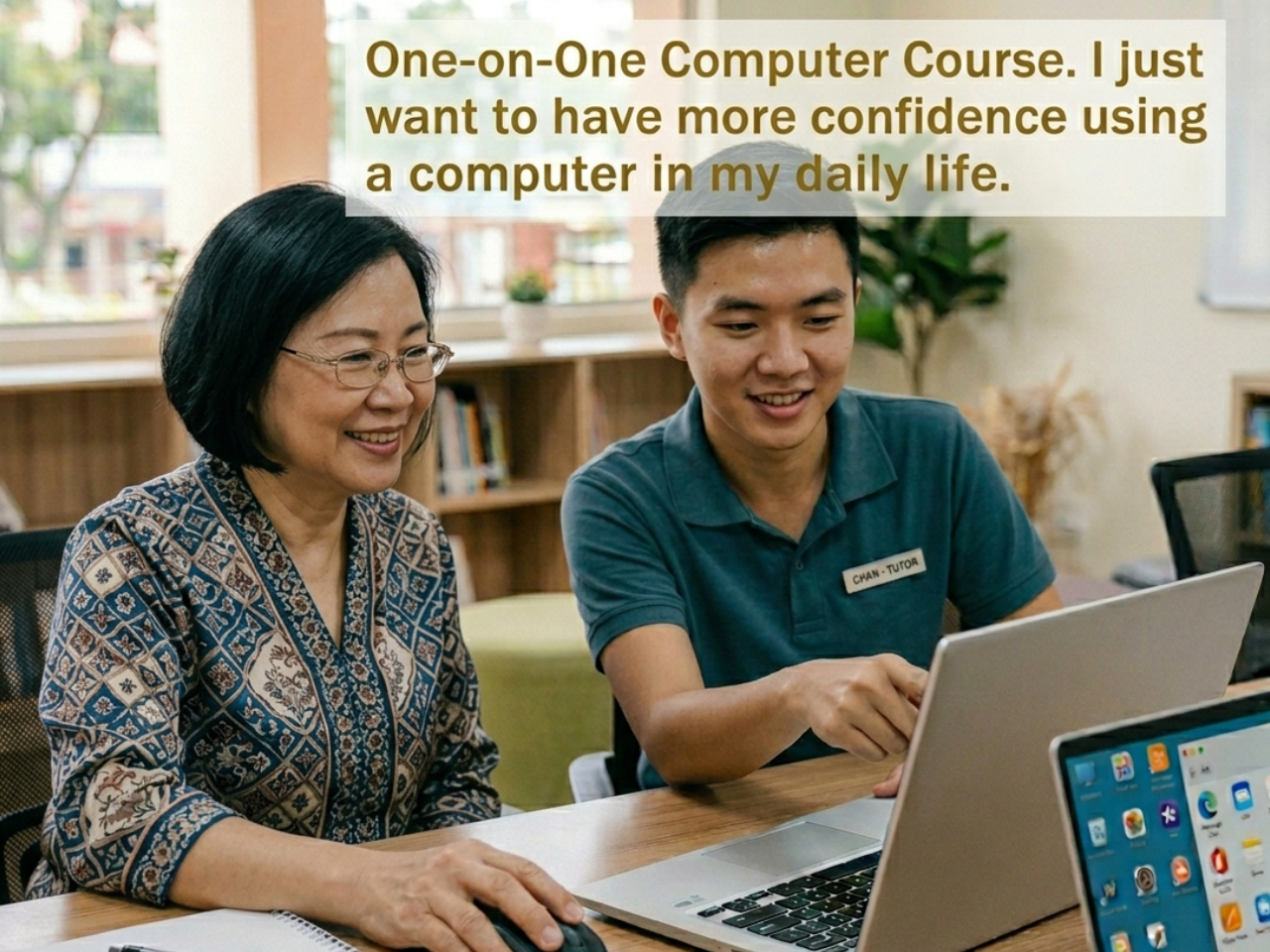
They simply want to use a computer confidently for everyday life.
And that is perfectly fine.
💻 Daily Computer Skills That Many Adults Want To Learn
Most students want practical skills they can immediately use.
📧 Writing & Sending Emails
Many people want to learn:
✔ How to type an email
✔ How to attach documents
✔ How to send photos
✔ How to reply to emails
✔ How to forward emails
✔ How to organize important emails
Because many government agencies, schools, businesses and service providers communicate through email today.
🖨️ Printing Documents & Photos
Students often ask:
✔ How to print documents
✔ How to print photos
✔ How to connect a printer
✔ How to print from email attachments
✔ How to print PDF files
✔ How to adjust printing settings
📁 Saving & Organising Files
Many beginners worry:
💬 “I saved the file but I cannot find it anymore.”
Learning includes:
✔ How to save documents
✔ How to create folders
✔ How to organize files
✔ How to find lost documents
✔ How to save photos properly
✔ How to backup important files
📱💻 Using Your Mobile Phone Together With Your Computer
Many students have photos, documents, videos, WhatsApp files and information stored on their mobile phones. But they do not know how to move them to a computer.
Common questions include:
💬 “How do I transfer photos from my phone to my computer?”
💬 “How do I save my WhatsApp photos?”
💬 “How do I print something from my phone?”
💬 “How do I move a document from my phone to my laptop?”
💬 “My phone storage is full. What should I do?”
Learning includes:
✔ Connecting a mobile phone to a computer
✔ Transferring photos and videos
✔ Moving documents between phone and computer
✔ Saving WhatsApp attachments
✔ Backing up important files
✔ Organising photos into folders
✔ Copying files to USB drives
✔ Printing files stored on a mobile phone
✔ Downloading files from email to phone or computer
✔ Understanding cloud storage and online backup
✔ Managing phone storage space
✔ Sharing files safely between devices
📱 Mobile Phone = Convenience
💻 Computer = Better Organisation, Storage & Productivity
When you know how to use both devices together, daily tasks become much easier.
🌟 Real-Life Examples
Students often learn how to:
📸 Transfer family photos from phone to computer
📄 Download documents from WhatsApp and print them
📧 Open email attachments on a computer
🖨️ Print documents received on a mobile phone
🎵 Download music sheets found online and print them
🏦 Save banking records and receipts
📁 Create proper folders to organise important files
These are practical daily-life skills that many people use regularly.
💰 Paying Bills Online
Many adults want to stop queuing physically.
They want to learn:
✔ Electricity bill payment
✔ Water bill payment
✔ Telephone bill payment
✔ Internet bill payment
✔ Credit card payment
✔ Government-related payments
🏦 Online Banking & Money Transfer
Common learning goals include:
✔ Online banking login
✔ Checking account balances
✔ Bank transfers
✔ Paying family members
✔ Paying suppliers
✔ Downloading transaction records
✔ Understanding online banking security
🍔 Ordering Food Online
Many students want to learn:
✔ Food delivery apps
✔ Restaurant ordering
✔ Payment methods
✔ Delivery tracking
✔ Promotions and discounts
🎵 Finding Music & Music Sheets Online
Some students enjoy hobbies:
✔ Searching YouTube tutorials
✔ Finding music sheets
✔ Downloading learning materials
✔ Making online payments safely
✔ Printing music sheets for practice
🌟 Real Benefits Of Learning These Skills
Many people think these skills are simple.
But the results can be life-changing:
✔ More independence
✔ Less dependence on children
✔ More confidence
✔ Faster communication
✔ Better organisation
✔ Easier daily life
✔ Greater digital confidence
🌏 Technology Is Now Part Of Everyday Life
Today many important activities require digital skills:
📧 Email communication
🏦 Banking
🛒 Shopping
🍔 Food delivery
📄 Documents
📱 Mobile apps
💻 Online services
The question is no longer:
❓ “Should I learn?”
The question is:
❓ “How much easier would my daily life become if I knew how to do these things myself?”
🌟 Real Student Transformation
🌏 From Basic Use → Better Communication With Family Overseas
One mother improved her digital confidence step-by-step.
After learning:
✔ Communication became easier
✔ Confidence increased
✔ Technology became part of daily life
📌 Reference:
https://share.google/eHgXu7GU8mBSKO40F
🛠️ From Confusion → Able To Handle Small Computer Technical Issues
Another student improved step-by-step and became able to:
✔ Handle small computer technical issues
✔ Solve basic system problems
✔ Manage daily computer tasks independently
📌 Reference:
https://share.google/eHgXu7GU8mBSKO40F
🔥 Final Understanding
You do not need to become an IT expert.
You do not need to learn complicated technology.
You only need to learn the skills that make your daily life easier.
And when learning is done step-by-step and at your own pace, even complete beginners can become confident computer users.
📚 Related Articles
📌 Beginner’s Guide to Learning Computer from Zero (Step-by-Step for Adults & Seniors in Malaysia)
https://1to1computerlessons.com/computer-lessons-malaysia-beginner-guide/
📌 Why Adults and Seniors Struggle to Learn Computers (And How 1TO1 Lessons Help)
https://1to1computerlessons.com/why-adults-and-seniors-struggle-to-learn-computers-and-how-1to1-lessons-help/
📌 💻 “I Want to Learn Computer… But I Don’t Know What to Learn”
https://1to1computerlessons.com/learn-computer-beginner-guide-malaysia/
📌 💰 How Computer Skills Can Increase Income in Malaysia (Even If You Start From Zero)
https://1to1computerlessons.com/how-computer-skills-increase-income-malaysia-online-digital-skills-serdang-pj-usj/
📌 ⭐ How Facebook Ads, Blogs & WhatsApp Work Together to Generate Customers for Any Business in Malaysia
https://1to1computerlessons.com/facebook-ads-blog-whatsapp-customer-system-malaysia/
📌 💻 Will AI Replace You? Or Will You Use AI to Get Ahead? (A Wake-Up Call for Small Business Owners, Freelancers & Parents in Malaysia)
https://1to1computerlessons.com/will-ai-replace-you-ai-skills-malaysia-business-parents-freelancers-serdang-pj-usj/
📌 🛒📱 How to Start Earning Money on Shopee & Lazada in Malaysia (Even If You Know Nothing)
https://1to1computerlessons.com/shopee-lazada-beginner-computer-skills-online-business-malaysia-serdang/
📌 💻 Why Computer Skills Are Now More Valuable Than Some College Degrees (Malaysia Reality Check)
https://1to1computerlessons.com/computer-skills-vs-college-degree-malaysia/
📌 💻 Most Malaysians Use Digital Apps Every Day… But Still Don’t Know How to Turn Them Into Extra Income
https://1to1computerlessons.com/digital-skills-extra-income-opportunities-malaysia/
📌 💻 “If Your Problem Is THIS Specific — You Cannot Solve It With General Learning” Why 1TO1 Step-by-Step Training Is The Only Practical Solution
https://1to1computerlessons.com/step-by-step-one-to-one-computer-lessons-serdang-seri-kembangan-pj/
📌 💰 How Everyday Apps Can Help You Grow Small Idle Cash Safely (Even Starting From RM10)
https://1to1computerlessons.com/digital-cash-management-beginner-serdang-seri-kembangan-cheras-pj-kl/
📌 💻 I Already Know Basic Computer Skills… What Else Can I Learn Next?
https://1to1computerlessons.com/what-to-learn-after-basic-computer-skills-malaysia/
📌 🛒📱 Why Your Facebook Marketplace Account Is Restricted (And How to Fix It Properly)
https://1to1computerlessons.com/facebook-marketplace-account-restricted-malaysia/