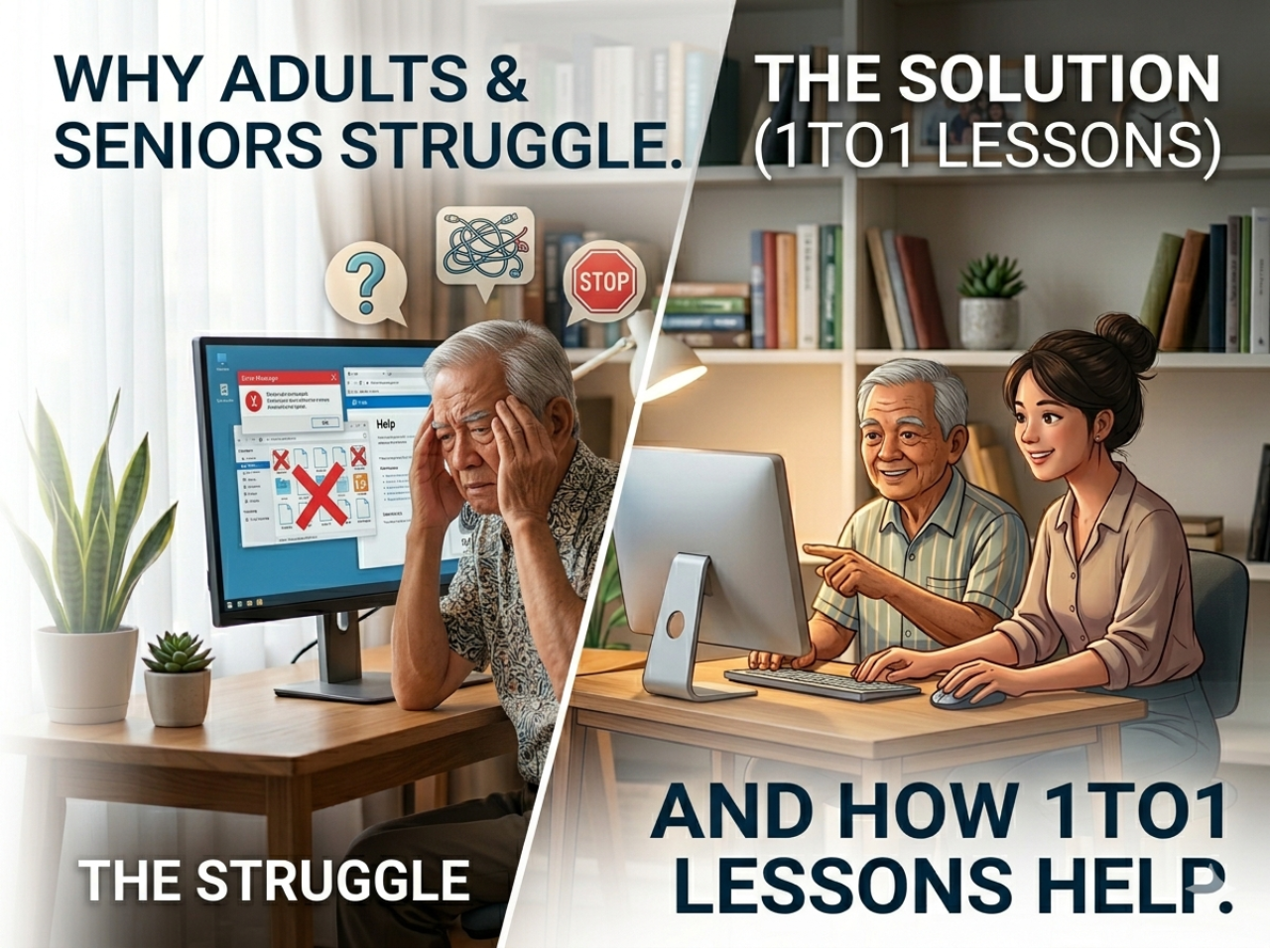
Many adults tell me they feel “too slow” or “too old” to learn computers.
I remember teaching a housewife from Cheras. She had been avoiding her laptop for months. She said, “I feel like everyone else already knows everything, and I am behind.” By the fourth lesson, she was confidently typing simple emails and browsing the internet.
The difference? She learned step by step, at her own pace, with personal guidance.
Common Challenges Adults Face
Here’s what I see almost every week with beginner students:
- Fear of pressing the wrong button
- Feeling overwhelmed by icons and menus
- Thinking it’s “too late” to learn
- Getting distracted or frustrated quickly
These challenges are normal. The solution is structured guidance and patient practice.
Why 1TO1 Lessons Work Better Than Group Classes
In group classes, beginners often feel rushed. Everyone has a different pace, and it’s easy to fall behind.
In 1TO1 lessons:
- You move at your own speed
- You can ask questions freely
- Lessons are focused on skills you need
- You can repeat steps until comfortable
Many students I teach in Serdang, Seri Kembangan, Cheras, and Petaling Jaya find this approach life-changing.
Step-by-Step Method That Helps Beginners
In my experience, the best way to learn is slowly and practically:
- Mouse & Keyboard Practice – Clicking, double-clicking, typing letters and numbers
- Opening & Closing Programs – One program at a time
- Daily Useful Skills – WhatsApp Web, sending emails, browsing, printing
- Small Repetition – Practice a few minutes every day
Even 10–15 minutes per day makes a huge difference over a few weeks.
Real-Life Example From My Lessons
A retired teacher from Serdang had a laptop for two years but never used it.
After practicing with me for a few lessons:
- He could open his email
- Send a document to his family
- Browse simple websites safely
He told me: “I can’t believe I waited two years. It’s not hard at all when someone shows you step by step.”
Practical Skills Adults Should Focus On
To make learning meaningful:
- Email: sending and receiving messages
- WhatsApp Web: chatting with family
- Microsoft Word: typing letters or documents
- Printing forms or documents
- Safe browsing for information
Focusing on skills that are useful keeps motivation high.
How to Overcome Fear and Build Confidence
Most fear comes from not knowing what to do.
Simple solution: Start with small, repeated steps:
- Turn on the computer
- Move the mouse around
- Open a program
- Type your name
Confidence grows naturally after that.
Private 1TO1 Lessons in Your Area
If you want personal guidance, I provide 1TO1 beginner lessons in:
- Serdang
- Seri Kembangan
- Cheras
- Petaling Jaya
Perfect for adults, seniors, and complete beginners who want slow, patient, and practical learning.
📲 WhatsApp: 018-281 8268
💻 Website: https://1to1ComputerLessons.com
Final Thought
Adults and seniors can absolutely learn computer skills — it’s never too late.
The secret is step-by-step guidance, practice, and patience.
Start today with one small action: turn on your computer, move the mouse, and open a simple program. Confidence will follow naturally.