💻 Beginner Computer Lessons Malaysia
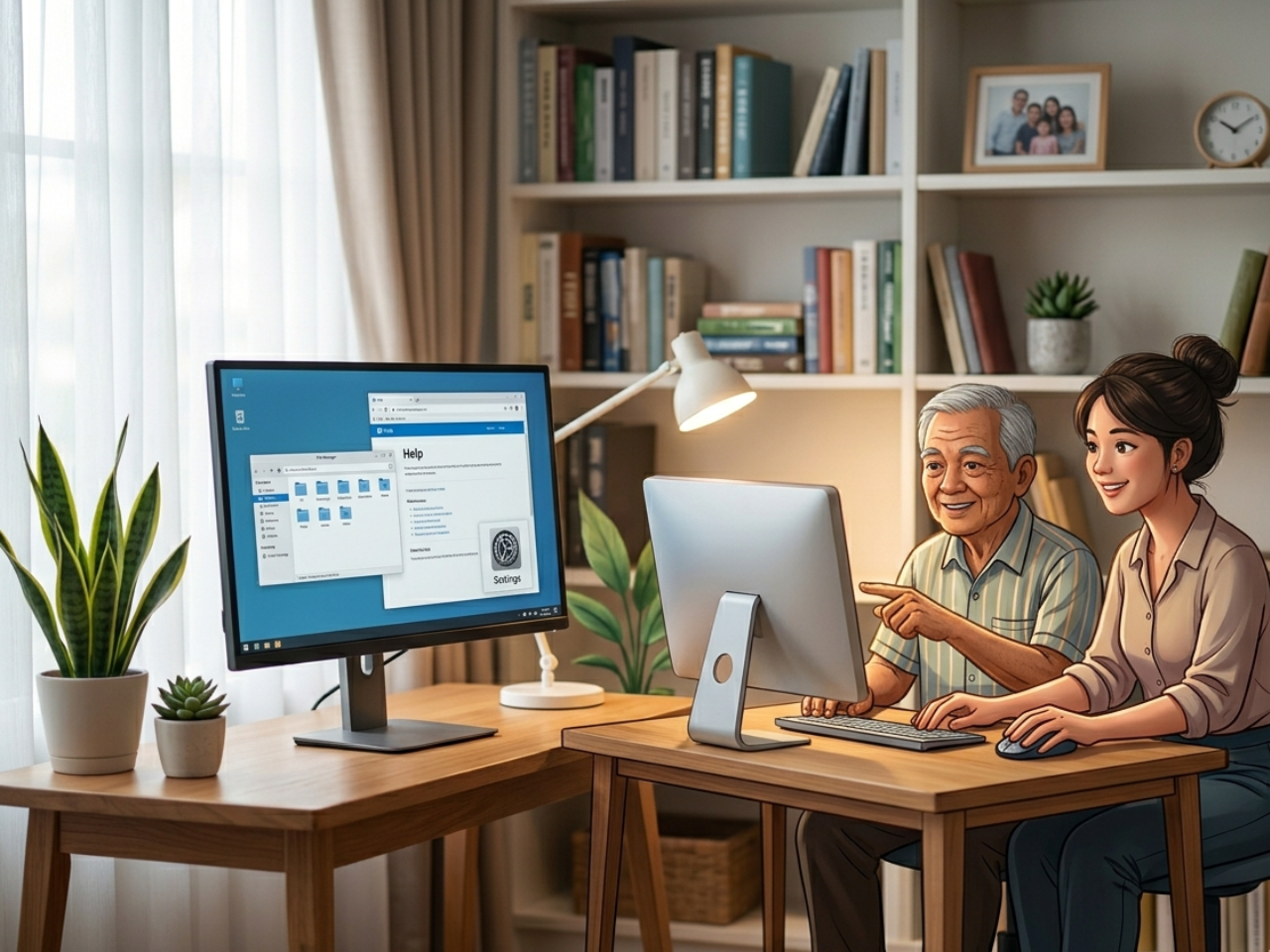
Beginner Computer Lessons Malaysia help adults and seniors learn computer skills step by step without stress or confusion.
Many adults and seniors feel nervous when using a computer for the first time, but with proper guidance, they can learn comfortably at their own pace.
I remember one student from Seri Kembangan — a retired uncle in his 60s — who brought his laptop but did not even know where to click. He was afraid he might break it. By the third lesson, he was already sending emails to his children and browsing simple websites.
Stories like this happen every week in Serdang, Cheras, and Petaling Jaya. You are never too old, and it is never too late to start.
💡 Why Learning Computer Is Important
Even basic computer skills can make life easier:
✔ Sending emails and WhatsApp messages
✔ Paying bills online
✔ Printing forms or documents
✔ Learning hobbies online
✔ Managing simple work tasks
👉 Once you know the basics, daily tasks become faster and less stressful.
⚠️ Common Beginner Problems
Here’s what I hear often:
“I don’t even know where to start.”
“I’m too slow to learn.”
“I might make a mistake and ruin the computer.”
👉 These are normal fears. The key is learning one small step at a time.
🧠 Practical Skills You Will Learn
You will learn essential computer skills used in daily life and work, including:
✔ Managing files and folders
✔ Using basic software
✔ Safe internet browsing
✔ Email communication
✔ Messaging tools
👉 These skills help beginners become more confident using a computer.
👉 You can also explore more beginner guides here:
https://1to1computerlessons.com/computer-lessons-malaysia-beginner-guide/
🪜 Step-by-Step Approach That Works
In my 1-to-1 lessons, beginners start with simple and practical steps:
✔ Mouse Control (clicking, double-clicking, right-clicking)
✔ Keyboard Basics (typing letters, numbers, and simple sentences)
✔ Open & Close Programs (using apps and switching windows)
✔ Daily Useful Tasks (WhatsApp Web, Email, Printing, web browsing)
👉 Each lesson focuses on one skill, making learning easier and more effective.
📚 Related Learning Guides
👉 Why Adults and Seniors Struggle to Learn Computers (And How 1TO1 Lessons Help)
https://1to1computerlessons.com/why-adults-and-seniors-struggle-to-learn-computers-and-how-1to1-lessons-help/
👉 Computer Class for Beginners in Cheras, Serdang & Seri Kembangan (Near Me)
https://1to1computerlessons.com/computer-class-cheras-serdang-seri-kembangan/
https://1to1computerlessons.com/facebook-ads-training-malaysia-business-owner/
👉 How a Website Can Help Business Owners in Malaysia Increase Sales (Serdang, Seri Kembangan, Cheras & Petaling Jaya)
https://1to1computerlessons.com/website-training-serdang-seri-kembangan-cheras-petaling-jaya/
👨🏫 Why 1-to-1 Lessons Are More Effective
Group classes often move too fast, causing beginners to fall behind.
With 1-to-1 lessons, you can:
✔ Learn at your own pace
✔ Ask questions anytime
✔ Repeat steps when needed
✔ Focus on your real needs
👉 I have seen many complete beginners become confident computer users within just a few weeks.
🧑💻 Practical Skills for Everyday Life
For beginners, I recommend starting with:
✔ Email (sending and receiving messages)
✔ WhatsApp Web (chatting with family)
✔ Browsing (finding information safely online)
✔ Printing documents and forms
✔ Microsoft Word (basic typing and formatting)
👉 These skills provide immediate value and motivation to continue learning.
🔁 Confidence Comes from Practice
Practice a little every day:
✔ Turn on your computer
✔ Move the mouse
✔ Click icons
✔ Type simple sentences
👉 Small repeated steps create real progress.
⏳ It’s Never Too Late
Some seniors say:
“I am too old to learn computers.”
That is not true.
With patience and proper guidance, anyone can learn. Age is not the obstacle — fear is. Once you begin learning step by step, fear slowly disappears.
📍 Personal 1-to-1 Guidance
I provide private 1-to-1 computer lessons for beginners in:
✔ Serdang
✔ Seri Kembangan
✔ Cheras
✔ Petaling Jaya
👉 These lessons are specially designed for adults and seniors who want simple, step-by-step learning without pressure.
📲 WhatsApp: 018-281 8268
💻 Website: https://1to1ComputerLessons.com
🎯 Final Thought
Every confident computer user was once a beginner.
The only difference is — they started.
Start today with one small step: turn on your computer, move the mouse, and open your first program. Confidence will slowly build from there.
📚 Related Learning Topics You May Also Like
👉 Why Adults and Seniors Struggle to Learn Computers (And How 1TO1 Lessons Help)
https://1to1computerlessons.com/why-adults-and-seniors-struggle-to-learn-computers-and-how-1to1-lessons-help/
👉 Facebook Ads Training for Business Owners in Malaysia (1-to-1 Coaching by Microsoft Certified Master Instructor)
https://1to1computerlessons.com/facebook-ads-training-malaysia-business-owner/
👉 How a Website Can Help Business Owners in Malaysia Increase Sales (Serdang, Seri Kembangan, Cheras & Petaling Jaya)
https://1to1computerlessons.com/website-training-serdang-seri-kembangan-cheras-petaling-jaya/