(A Reality Check for Learners in Malaysia)
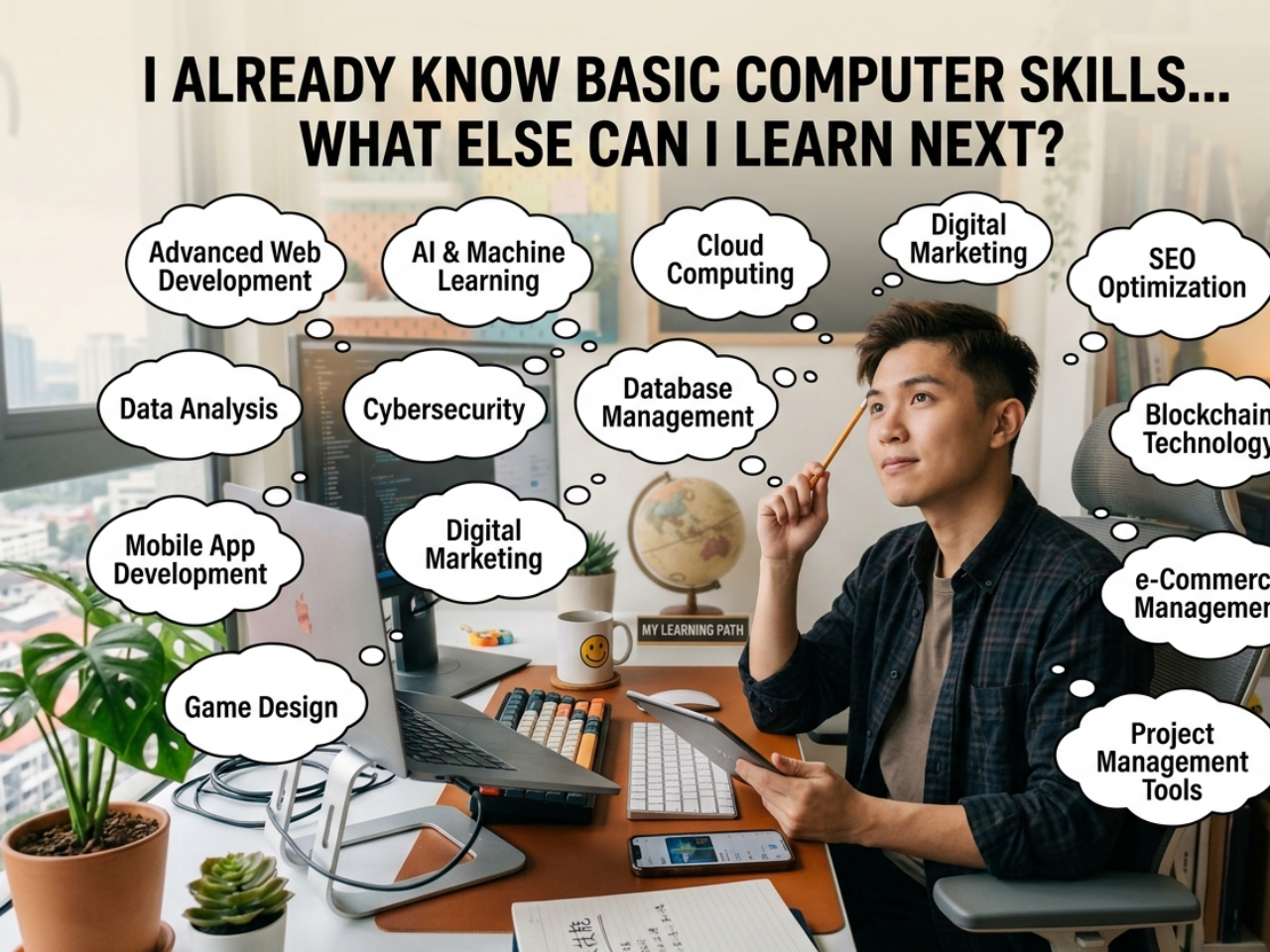
😕 “I Already Know the Basics… Now What?”
Many people say:
“I already know folders, email, internet, PowerPoint, Word & Excel…”
Then they ask:
“What else can I learn?”
This sounds like progress.
But in many cases:
👉 This is actually where people get stuck
🧠 The Hidden Truth Most People Don’t Realise
There is a common saying:
“The more I know, the more I realise I don’t know.”
But in computer learning, many people experience the opposite:
“The more I think I know… the less I actually understand.”
👉 Why?
Because:
✔ They know how to click
✔ They recognise the tools
❌ But they don’t understand the structure behind it
⚠️ The “False Confidence” Stage
After learning some basics, many learners enter this stage:
✔ “I’ve used Word before”
✔ “I know how to create folders”
✔ “I’ve tried PowerPoint”
But when they need to:
👉 organise properly
👉 apply correctly
👉 do things logically
❌ They hesitate
❌ They get confused
❌ They lose confidence
👉 This is called false confidence
💡 Why This Happens
Because learning was:
❌ Not structured
❌ Not guided
❌ Not fully understood
So what you have is:
👉 partial knowledge, not real understanding
🚀 So… What Should You Learn NEXT?
If you already have some foundation, your next step is NOT:
❌ More random topics
❌ Jumping into advanced tools
Instead, you should focus on:
✅ 1. Strengthening Your Foundation (Properly)
Not just knowing:
- what a folder is
But: - how to organise
- how to structure
- how to think logically
👉 This is where real confidence comes from
✅ 2. Learning Through Real Application
Instead of:
- just knowing features
You must: - apply in real situations
- organise real work
- create meaningful content
👉 This turns knowledge into skill
✅ 3. Building Consistency & Flow
- Doing things step-by-step
- Understanding sequence
- Reducing confusion
👉 This is what separates beginners from confident users
✅ 4. Developing Digital Confidence
- Using the computer without fear
- Knowing what to do next
- Handling tasks independently
👉 This is the real goal
🧠 The “Water Cup” Learning Principle
🥛 Empty Cup Mindset (Beginners)
When you approach learning with an “empty cup” mindset—focusing on listening and following my teaching steps—I can impart knowledge to you clearly and systematically in the shortest amount of time.
🥤 Half-Full Cup (With Prior Knowledge)
If your “cup” is already half-full and you keep interrupting the lesson with other questions:
👉 Learning will become chaotic
👉 Key points will be easily scattered
👉 Progress will be slowed down
We will instead spend time “organizing our thoughts” instead of moving forward.
💡 Key Suggestions
👉 Maintain an “empty cup mindset”
👉 Trust my teaching process
This way, every minute of your tuition will be more valuable!
💡 For Students Who Already Have Some Basics
If you already have some basic knowledge:
👉 No need to worry
Because this is a 1-to-1 Computer Training Lesson
Everything is:
✔ Personalized
✔ Adjusted to your level
✔ Structured based on your progress
Assessment exercises will be given to test your actual understanding.
👉 If you can complete the exercises correctly:
✔ It means you truly understand
✔ We will move forward immediately
✔ New topics and new exercises will be introduced
👉 No time wasted
👉 No unnecessary repetition
👉 Only real progress
⚠️ The Turning Point Most People Miss
At this stage, you have two choices:
✔ Choice 1:
👉 Continue learning properly
👉 Strengthen your foundation
👉 Build real understanding
❌ Choice 2:
👉 Assume you already know enough
👉 Learn randomly
👉 Stay stuck at the same level
🎯 What You Actually Need Now
Not more information.
But:
✔ Clear direction
✔ Structured progression
✔ Proper guidance
⭐ Final Thought
If you feel:
“I already know some basics… but I’m not confident”
👉 That is your signal
👉 You don’t need more topics
👉 You need deeper understanding
Because:
Knowing a little is easy
Understanding properly is different
📲 Ready to Move Beyond Basics?
If you want to move from “know a bit” to “truly understand”:
👉 WhatsApp me and I will guide you step-by-step
📞 018-281 8268
👨🏫 About Me
Microsoft Certified Trainer
Microsoft Certified Master Instructor
32+ Years of Teaching Experience
📖 Learn more about my experience:
👉 My 32+ Years Experience Training Elite & Professional Clients in Computer Skills (1-to-1 Lessons in Malaysia)
https://1to1computerlessons.com/computer-training-elite-professionals-malaysia-32-years-serdang-pj-usj/
The more you think you know,
the more careful you must be
— because that is where real learning begins