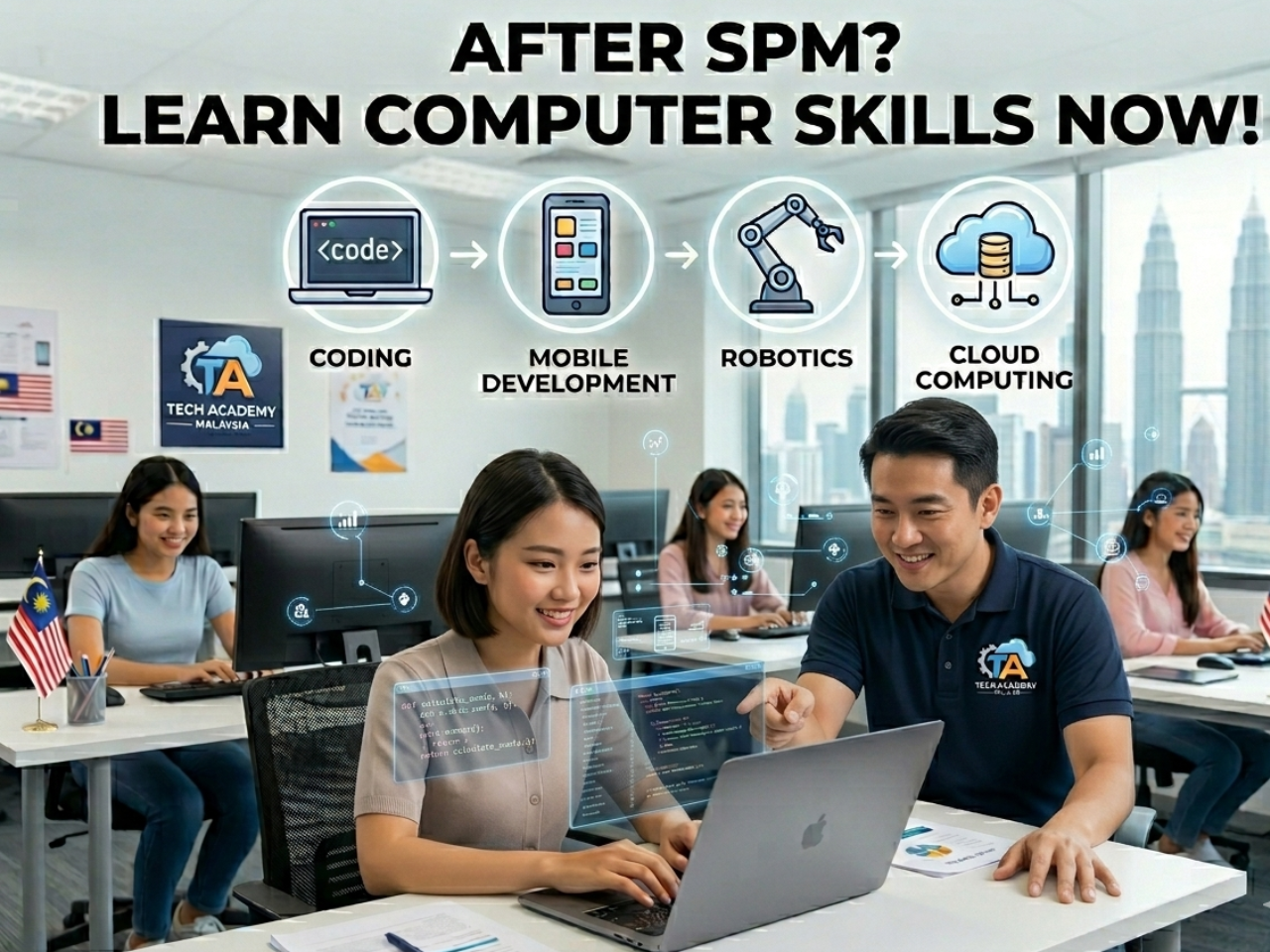
Many students in Serdang, Seri Kembangan, Subang, USJ, SS2 and Damansara have just finished their SPM and are now moving into the next phase of life.
For most, this period becomes:
- Scrolling phone all day
• Sleeping late
• Doing nothing productive
👉 Weeks or even months pass — wasted.
But smart students (and responsible parents) see this differently.
👉 This is a critical transition period.
⏳ Why This Period Is So Important
After SPM, students are preparing for:
- College
• University
• Internship
• First job
All of these require one key skill:
👉 Computer knowledge.
Without it, students struggle immediately.
💥 What Happens If They Don’t Prepare
Many students only realise later:
- They type very slowly
• They don’t know how to use Microsoft Word properly
• They cannot create presentations
• They don’t understand Excel
• They don’t know how to manage files
👉 They fall behind from Day 1.
And worse:
👉 They lose confidence.
🚀 Use This Time to Get Ahead
Instead of wasting time, this is the best moment to:
- Learn essential computer skills
• Build confidence
• Prepare for assignments
• Get ahead of other students
👉 When others struggle, you are already ready.
🎯 What Your Child Will ACTUALLY Gain (Real Skills for College & Future)
This is not just “learning computer”.
👉 This is preparing your child to perform, stand out, and succeed in college, university, and their future career.
Your child will learn:
⌨️ Type Faster, Work Smarter
Improve typing speed and accuracy so your child can complete assignments faster, reduce stress, and keep up with academic demands.
🧠 Build Strong Computer Foundation
Understand how computers really work — not just using them, but managing files, solving simple issues, and becoming independent.
🪟 Master Windows Like a Pro
Learn essential shortcuts, settings, and navigation skills that make daily computer use faster and more efficient.
📂 Stay Organised & In Control
Learn how to properly manage folders, documents, and cloud storage — a critical skill for assignments, projects, and future work.
🎥 Be Confident in Online Classes & Meetings
Use Google Meet, Zoom and online platforms with confidence — no more confusion or hesitation during classes or discussions.
🎨 Create Impressive Presentations (PowerPoint)
Design clear, attractive, and professional slides that stand out in school, college, and presentations.
📝 Write Like a Professional (Microsoft Word)
Create well-formatted assignments, reports, and documents — a MUST for college and university success.
📊 Understand Excel for Real Use
Learn practical Excel skills including formulas, data handling, and organisation — useful for studies, internships, and work.
🔐 Protect & Backup Important Data
Learn how to safely store, backup, and recover important files — avoiding costly mistakes and data loss.
🎨 Create Visual Content
Design simple graphics, posters, and social media visuals — useful for projects and future business use.
🛡️ Stay Safe Online
Understand basic cybersecurity to protect personal data, avoid scams, and use the internet safely.
🤖 Use AI Tools to Get Ahead
Learn how to use tools like ChatGPT, Gemini and other smart assistants to:
• Complete tasks faster
• Generate ideas
• Improve productivity
👉 This is a huge advantage over other students.
👨🏫 Why 1-to-1 Learning Is More Effective
Trying to learn alone often leads to:
- Confusion
• No structure
• No guidance
• Slow progress
With 1-to-1 coaching:
- Step-by-step guidance
• Learn at your own pace
• Ask anytime
• Focus on what YOU need
👉 Faster and more effective learning.
👨🏫 Learn from a Microsoft Certified Master Instructor
Students are guided personally by a Microsoft Certified Trainer & Microsoft Certified Master Instructor.
This means:
- Clear and structured teaching
• Practical, useful skills
• Personalised approach
• No confusion, no guessing
👉 Learn properly from the start.
📍 Areas Covered
- Serdang
• Seri Kembangan
• Subang
• USJ
• SS2
• Damansara
• Puchong
• Cheras
• Nearby areas (flexible arrangement)
📲 Contact
WhatsApp: 018-281 8268
Website: https://1to1ComputerLessons.com
🏁 Final Thought
This is not just “free time”.
👉 It is a turning point.
Students who use this time wisely will enter college:
- More confident
• More prepared
• More capable
While others are still trying to catch up.
👉 Don’t waste this critical time.