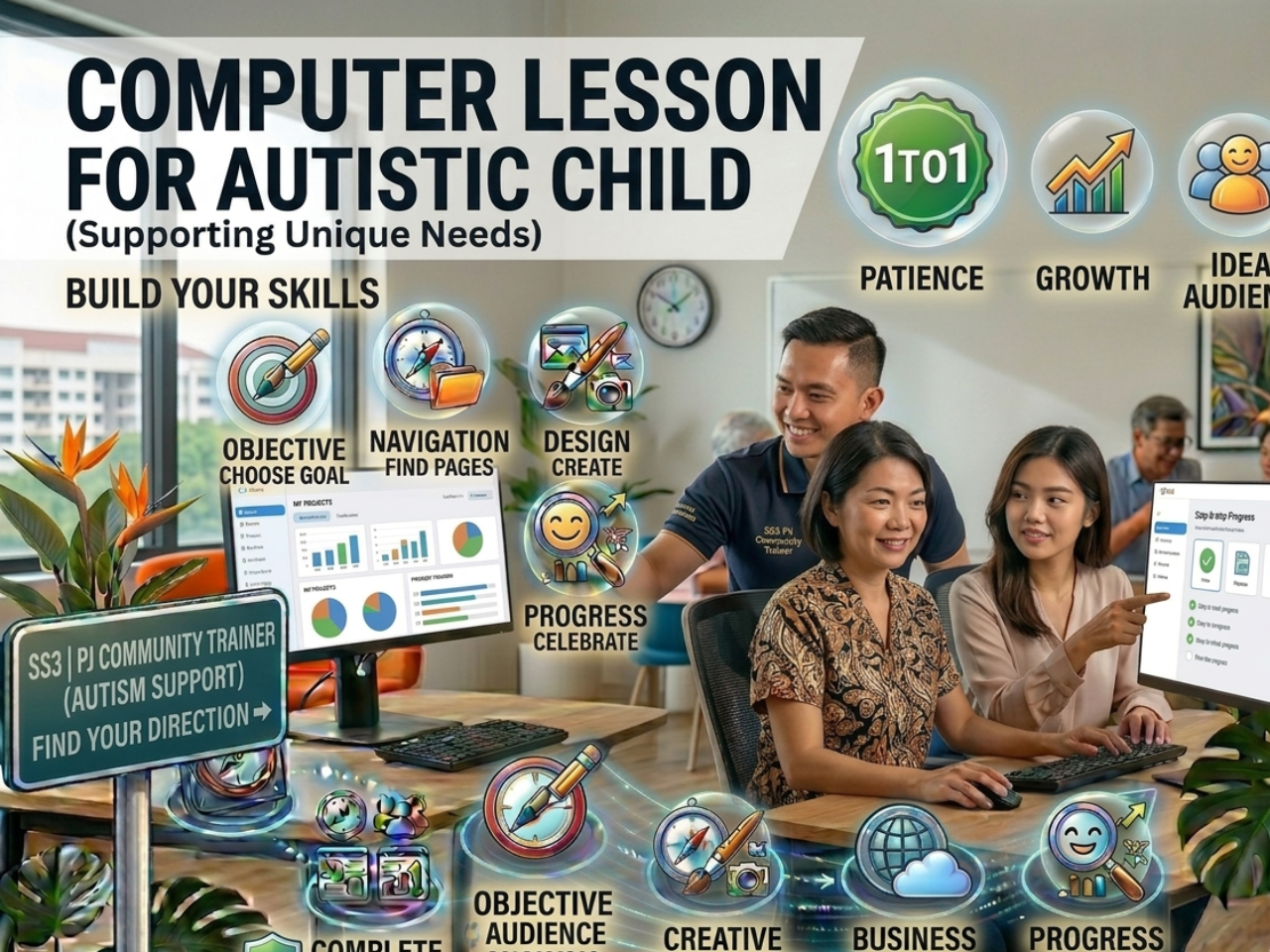
Many parents in Serdang, Seri Kembangan, Bukit Jalil, and Puchong are looking for a safe and effective way to introduce computers to their autistic children.
From my teaching experience, autistic learners can learn computer skills very well — but only with the right method, patience, and structured guidance.
I have taught 1 autistic child and 1 autistic adult from Cheras & SS3 who had difficulty focusing and were easily overwhelmed. In group classes, they could not follow at all. But with 1-to-1 lessons, step by step, they slowly learned how to use the mouse, type simple words, and open programs confidently.
The difference was not ability — it was the teaching approach.
🧠 Understanding How Autistic Learners Learn
Autistic learners often learn differently. They may:
- Need more time to process information
• Prefer structured and repeated steps
• Feel overwhelmed with too many instructions
• Be sensitive to noise or distractions
• Sometimes react emotionally when frustrated or overstimulated
With the correct environment and teaching style, they can learn effectively and even enjoy the process.
💡 Why 1-to-1 Lessons Work Best
In 1-to-1 lessons:
- The pace is adjusted to the learner
• Instructions are simple and clear
• Repetition is allowed without pressure
• The environment is calm and focused
• Teaching methods can be adjusted immediately based on the learner’s response
This makes learning safer, easier, and more effective.
🎨 My Teaching Starting Method (PowerPoint-Based Learning)
I usually start autistic learners with Microsoft PowerPoint because it is visual, interactive, and fun.
Instead of starting with difficult theory, I guide them step by step:
- Understanding what a presentation slide is
• Choosing simple and correct slide layouts
• Typing short and meaningful text
• Inserting colourful and interesting images
• Learning basic structure in a fun way
PowerPoint gives instant visual results, helping build confidence and reduce frustration.
🖥️ Step-by-Step Learning Approach
- Mouse Control – clicking and movement
- Keyboard Basics – typing letters and numbers
- PowerPoint Basics – slides, layouts, images
- Simple Activities – creative learning
- Repetition Practice – building confidence and skill
Each lesson focuses on one small skill to avoid overload.
📖 Real Learning Progress
One of my students from SS3, a 40+ year old autistic adult, could not even do simple calculations like 3+8 or 13−5 before learning.
After more than 4 years of structured 1-to-1 learning:
- She can now perform basic calculations confidently
• She can use computer learning tools together with practice
• Her focus and thinking ability have improved
• Her confidence and independence have increased
This shows that with the right method and consistency, real progress is possible.
💬 Benefits for Autistic Learners
- Improve focus and attention
• Build confidence
• Develop basic digital skills
• Encourage independent learning
• Strengthen thinking and problem-solving skills
👨🏫 Behaviour and Emotional Handling Experience
Some autistic learners may become frustrated or emotional when they cannot follow instructions.
With experience, I adjust teaching by slowing down, simplifying steps, or changing methods immediately to ensure learning continues smoothly.
Trust and consistency are very important in long-term progress.
📍 Areas Covered
- Serdang
• Seri Kembangan
• Bukit Jalil
• Puchong
• Cheras
• Petaling Jaya
• And nearby surrounding areas (subject to arrangement)
📌 Flexible location arrangements are available depending on schedule and suitability.
👨🏫 Microsoft Certified Master Instructor 1-to-1 Coaching
You will be guided personally by a Microsoft Certified Master Instructor with a patient, structured, and practical teaching approach.
Each lesson is customised based on the learner’s ability, interest, and pace.
📲 Contact
WhatsApp: 018-281 8268
Website: https://1to1ComputerLessons.com
🏁 Final Thought
Every learner can improve — the key is the right method, patience, and consistent practice.
With 1-to-1 step-by-step teaching, autistic learners can build confidence and develop practical computer skills in a structured and supportive environment.