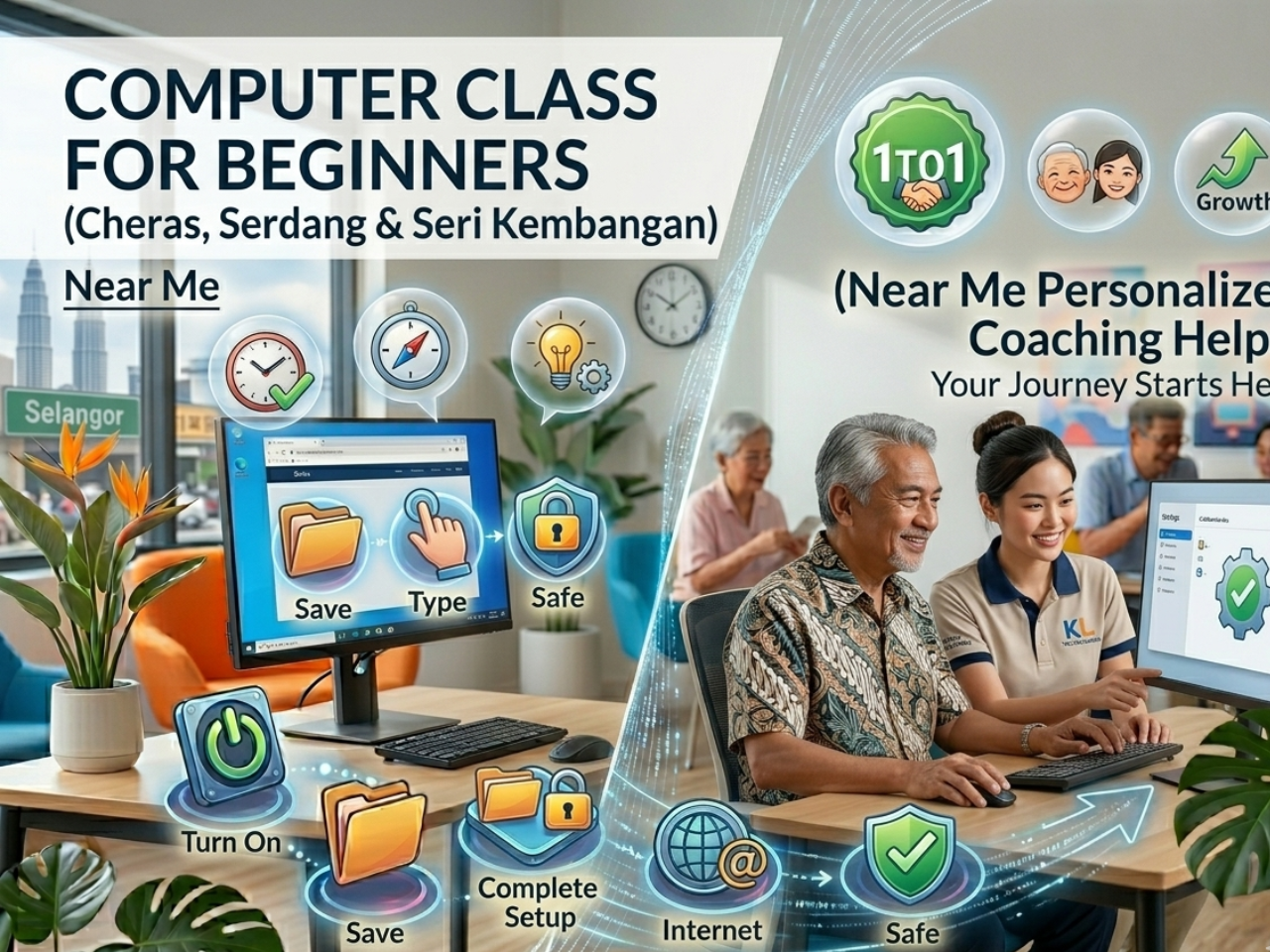
Many beginners in Cheras, Serdang, and Seri Kembangan often tell me they feel “lost” when using a computer for the first time.
I remember teaching a student from Cheras who had never really used a computer before. She told me, “Every time I try, I feel scared I will press the wrong button.”
After a few 1-to-1 lessons, she slowly started to understand how everything works. Now she can confidently use the computer for daily tasks like browsing and typing.
The difference was not intelligence — it was step-by-step guidance.
Common Challenges Beginners Face
Here’s what I see very often with new students:
- Fear of pressing the wrong button
• Feeling confused with too many icons
• Not knowing where to start
• Forgetting steps easily
• Feeling frustrated when learning alone
These are normal problems for beginners. The key is slow and guided learning.
Why 1-to-1 Computer Lessons Work Better Than Group Classes
In group classes, beginners often feel left behind because everyone learns at a different speed.
In 1-to-1 lessons:
- You learn step by step at your own pace
• You can ask questions anytime
• Lessons focus only on what you need
• You can repeat steps until you understand
Many students in Cheras, Serdang, and Seri Kembangan find this much easier.
Step-by-Step Method That Helps Beginners
In my experience, the best way to learn computers is simple and practical:
- Mouse & Keyboard Practice – Clicking, typing, and basic control
- Opening Programs – Learning one step at a time
- Basic Internet Use – Browsing websites and searching information
- Daily Practice – Repeating simple actions until confident
Even a small amount of practice daily makes a big difference over time.
Real-Life Example From My Lessons
A student from Seri Kembangan once told me she had a laptop at home for years but never used it properly.
After a few 1-to-1 lessons:
- She learned how to turn on and use the computer
• She could browse the internet safely
• She started typing simple documents
She told me, “I thought it was difficult, but it became easy when someone guided me step by step.”
Practical Skills Beginners Should Focus On
To build confidence, beginners should focus on:
- Basic computer usage
• Typing and keyboard skills
• Internet browsing
• Email usage
• WhatsApp Web
• Simple document work
These are daily useful skills, not theory.
How to Build Confidence in Computer Learning
Most fear comes from not knowing what to do.
The solution is simple:
- Start with turning on the computer
• Move the mouse slowly
• Open one program
• Practice basic typing
Once these steps are repeated, confidence naturally grows.
Private 1-to-1 Computer Lessons in Your Area
If you prefer personal guidance, I provide 1-to-1 beginner computer lessons in:
- Cheras
• Serdang
• Seri Kembangan
• Petaling Jaya
Perfect for complete beginners who want patient, step-by-step learning.
📲 WhatsApp: 018-281 8268
💻 Website: https://1to1ComputerLessons.com
Final Thought
Learning computers is not difficult when it is taught in a simple, step-by-step way.
With the right guidance, even complete beginners can become confident users.
Start small, practice slowly, and confidence will follow naturally.